
News
WhatCable Turns Your Mac Into a Free USB-C Cable Tester
WhatCable, a free Apple Silicon app, decodes hidden Mac data to reveal whether a USB-C cable is fast, slow, or lying about its specs.

A free Mac app called WhatCable reads USB-C diagnostic data macOS already collects, then tells you in plain English if your cable is fast, slow, or lying. Built by UK developer Darryl Morley, it launched on Hacker News in May 2026 and runs free on any Apple Silicon Mac, with a Pro tier priced at £9.99 (about $13.40).
The Verge tested it in depth this month, and other outlets quickly followed. Hardware testers that do something similar cost $16 to $122, and WhatCable already has at least four independent Linux copies, built by strangers who liked the idea enough to rewrite it themselves.
A Chip Inside Every Cable Already Tells Your Mac the Truth
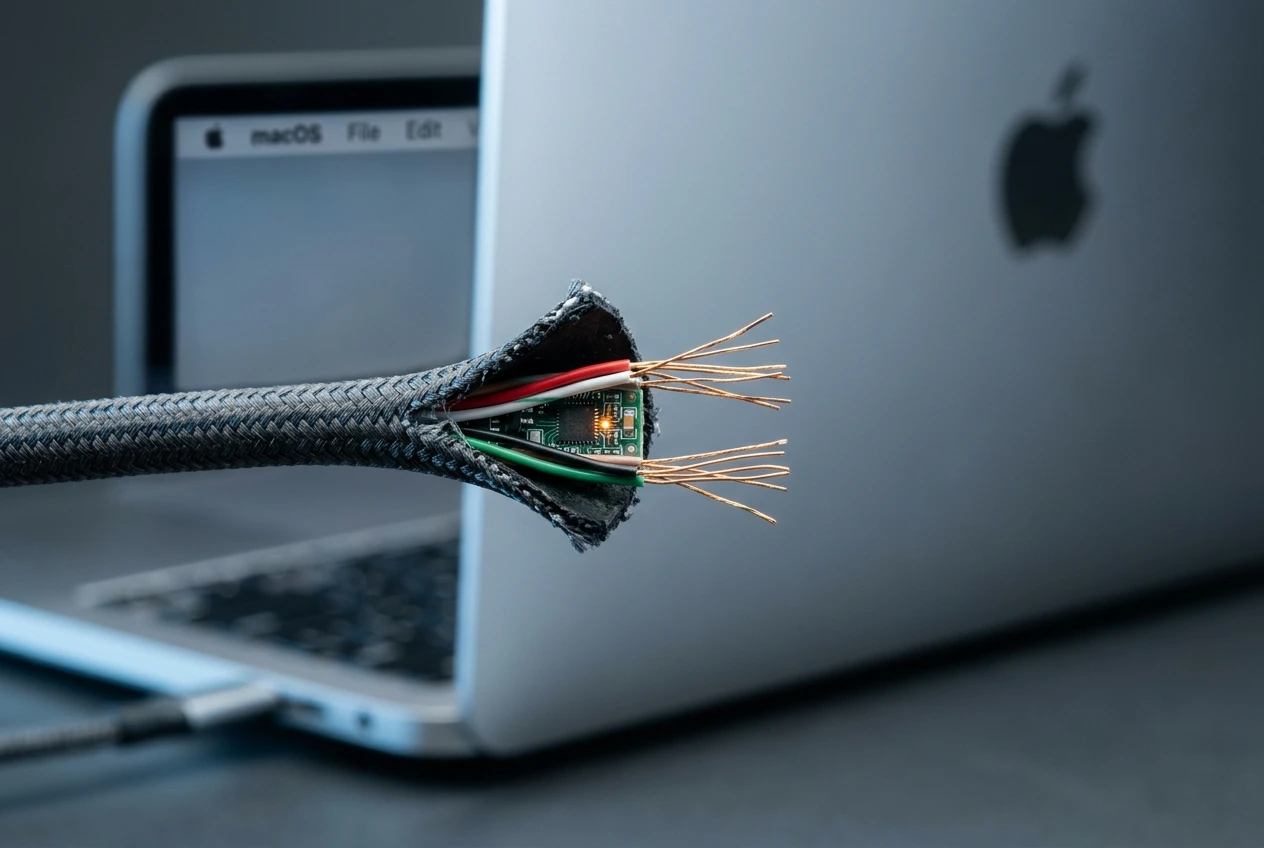
Every USB-C cable rated above about 60 watts carries a small identity chip called an e-marker. Plug it into an Apple Silicon Mac and the Mac’s own port controller sends the cable a request, called Discover Identity, and gets back its vendor ID, speed rating, current rating, and voltage limits as part of USB Power Delivery, the standard that negotiates charging speed between a cable, charger, and device.
macOS logs that response inside a system database called the IOKit registry. It just never shows any of it to you.
macOS writes that response into the IOKit registry. WhatCable reads it using Apple’s public APIs.
Morley described the mechanism to The Verge in those terms, adding that the process needs no root access or private entitlements. His project cross-checks what each part of the chain reports, comparing a cable’s claims against the Mac’s port, the connected charger or drive, and the actual negotiated result.
The math has a hard ceiling built in. Power Delivery never exceeds 48 volts, so even a cable that reports a higher number still tops out at 240 watts, the product of 48 volts and 5 amps.
The stakes reach beyond one menu bar icon. Apple has spent years pushing its lineup onto USB-C, including the AirPods Pro’s switch to USB-C charging, and every transition adds another cable to the drawer that looks identical to the last one.
The E-Commerce Developer Behind the Menu Bar Icon
Morley isn’t a cable industry veteran. His GitHub profile describes him as a software developer working in e-commerce, and WhatCable started as a side project he posted to Hacker News in May 2026.
The response was immediate. Commenters requested features, and Morley shipped 16 releases in seven hours, adding Homebrew support, a command line tool, a dock mode, launch at login, and connection alerts, all on launch day.
Within hours, outside developers were already building their own versions for KDE Plasma, GNOME, and the Linux command line, according to one writeup of the launch.
The original repository has since collected more than 6,400 GitHub stars. The original Show HN post that started the rush pitched the tool simply: built in Swift, open source, free, and untracked.
Why Free Beats a $50 Hardware Tester
Sean Hollister, a reporter at The Verge who tested WhatCable extensively, used to recommend an $8 hardware tester for exactly this problem, until it was discontinued with nothing as good to replace it. Other hardware options still exist. None of them are free.
| Tool | Price | What It Reports |
|---|---|---|
| WhatCable (free tier) | $0 | Cable speed, charging wattage, and which part of the chain is the bottleneck |
| WhatCable Pro | £9.99, one time | Live power monitor, full negotiation breakdown, saved cable history |
| Treedix USB Tester | $15.99 to $49.99 | Three tiers of hardware readouts across any USB device |
| Plugable USB-C Power Meter | $54.99 | Bidirectional voltage, amperage, and current flow display |
| ChargerLAB POWER-Z KM003C | $50 to $80 | PD 3.2 support to 240W with live voltage and current curves |
Every hardware option on that list means plugging in a separate gadget. WhatCable runs the same diagnosis from software already sitting on the Mac, and it can watch a connection over time instead of taking one snapshot reading.
The same logic applies beyond single cables. Docks and hubs, including Anker’s 14 port Prime dock, still depend on whichever cable connects them to the Mac, so a bottleneck can hide upstream of an otherwise capable accessory.
Can WhatCable Actually Catch a Fake Cable?
Not exactly. WhatCable reads what a cable’s chip claims, not what’s physically sealed inside the jacket. Morley is upfront that it isn’t a fake cable detector: it only flags a mismatch when a vendor ID or another value fails to line up with the Power Delivery spec, leaving the rest to the user’s judgment.
The project’s own documentation puts it bluntly. If a chip claims speeds the wiring can’t deliver, “the chip is lying, not WhatCable.”
Hollister’s own testing backed that up. One cable, sold on Amazon as USB 2.0 charge only, carried an e-marker that advertised 10 Gbps of USB 3 data. WhatCable trusted the chip, but a 25GB transfer that should take seconds took minutes instead. His older $8 tester actually caught the problem faster, spotting the missing SuperSpeed signal right away.
Live monitoring is where WhatCable pulled ahead again. When Hollister’s daily driver cable started failing mid session, the app caught its connection dropping three separate times in real use, a sign the cable itself was wearing out rather than lying about its specs.
Morley’s public database of submitted cable scans has already logged cables whose marketing doesn’t match their chip.
What We Know
- A cable listed in the database as Dbilida, marketed as Thunderbolt 4 at 40 Gbps and 240 watts, reports back electronically as a passive USB4 cable with no official certification.
- A separate listing for a CUKTECH cable shows a vendor ID of zero, with no current rating or speed registered at all.
What’s Unconfirmed
- Whether these mismatches come from deliberate mislabeling or a factory simply flashing blank defaults onto the chip.
- How common the pattern is across the wider market, since the database only includes cables people chose to submit.
Morley designed those flags to be informational rather than conclusive. Reserved bit patterns, zeroed identifiers, and unregistered vendor codes are common in budget cables and don’t necessarily prove anything is wrong.
Apple Silicon Only, and That’s Not Changing Soon
WhatCable needs an Apple Silicon Mac running macOS 14 or later. Intel Macs are excluded because their Thunderbolt controllers don’t expose the same data to outside apps.
Even on supported hardware, coverage isn’t total. The Mac mini and Mac Studio route their front ports through an internal hub instead of a dedicated controller, so cable and power data never reaches those ports at all. The rear Thunderbolt ports work normally.
Morley has built a small family of tools rather than one giant app. His other projects include a battery health tracker for iPhone and iPad, alongside WhatPort, a simpler utility that watches port activity without cable level detail.
Four Different Teams Already Rebuilt It for Linux
Morley says he won’t build a Windows version. “There’s too much hardware variance and the Windows APIs don’t expose what WhatCable needs,” he said. Android and iOS, he added, don’t offer enough low level access either.
“If anyone has a workaround, I’d love to hear it,” he said. He’s already working on a Linux build of his own, on top of what the community has shipped without him.
That community moved fast. At least four separate teams have rebuilt WhatCable’s core idea for Linux, each reading Power Delivery data through the kernel’s own sysfs interface instead of Apple’s IOKit.
- usbeehive – a Rust rewrite renamed from its original whatcable crate listing after the app’s creator asked for the name back
- whatcable-linux – a KDE Plasma port built in C++ and CMake, later extended into its own command line fork
- WhatCable GNOME – a GNOME Shell extension written entirely in GJS, needing no separate binary
- Nick Richards’ WhatCable – a standalone GTK and libadwaita app built to test a Framework 13 laptop
Richards took the last approach, building his version from scratch rather than forking the original. He found it exposes USB devices but no Type-C data on that particular laptop. “So WhatCable needs to be honest,” he wrote, arguing the tool should admit when a source is missing rather than let silence imply anything.
Frequently Asked Questions
Is WhatCable Really Free?
The core app costs nothing, and Morley says it “will always stay free at its core.” A Pro upgrade costs £9.99 as a one time purchase, unlocking 16 additional features including a live power monitor, negotiation diagnostics, and a saved cable history, and it activates on up to two Macs.
How Do I Install WhatCable on My Mac?
The simplest route is Homebrew, which installs the menu bar app and automatically links its command line tool into your terminal path. Manual downloads from GitHub install only the menu bar version, with the command line tool bundled separately inside the app.
What Does a Zeroed Vendor ID Mean?
It means the cable’s chip never reported who manufactured it, since vendor IDs are assigned by the USB Implementers Forum (USB-IF, the industry group that governs USB standards). WhatCable checks each ID against a bundled database of thousands of registered vendors, and any vendor ID issued after that database’s last snapshot shows up as unregistered until it gets refreshed.
Why Doesn’t WhatCable Show Cable Details on a Mac Mini’s Front Ports?
Those ports run through an internal USB hub rather than a dedicated controller chip, so the Mac never captures e-marker or power data for anything plugged in there. The rear Thunderbolt ports on the same machines work normally.
What Is WhatPort?
WhatPort is Morley’s companion app, a stripped down menu bar utility that shows live status for each USB-C port, including power, data, and video, without the cable level e-marker detail WhatCable specializes in. Like WhatCable, it only runs on Apple Silicon.
Will WhatCable Ever Come to Windows or Android?
Morley says no version is planned for Windows because of hardware variance and API limits, and that Android and iOS similarly withhold the low level access the app needs. He remains open to a workaround if anyone finds one, and a Linux build of his own is already in progress.


Walmart’s $50 Million Opioid Settlement Closes Case Without Admission

California Sues Over $120 Million Morro Bay Wind Lease Buyout

Gilead Bixlenvo FDA Nod Opens Single Pill Path for Complex HIV Cases

Meta’s $18B Kids Deal Forever Shields Data Used to Spot Under-13s

Lettuce Outbreak Drove Record Cyclospora Spike Across 20 States

Amazon Shaves $20 Off M6 Mac Mini Before It Even Ships

SpaceX Louisiana Port Tests Debt Markets on Orbital AI Scale

Microsoft High Lifts Indexes as Small Caps Crack Support

Apple Replays 2015 Saturday Midnight Preorder for iPhone 18 Pro

Updated COVID Shots Clear FDA but Access Friction Hits High-Risk Groups

Take-Two CEO Pushes Netflix Subs for GTA 6 Extended Look

Halo Campaign Evolved Skulls Meet Death Barriers That Kill the Hunt

Wildlands Free Update Hands Players the Tools They Already Invented

Destiny 2 Fans Unlock Vaulted Maps After Live Service Ends

Quake Gets 19 Free Maps From MachineGames Quake Club

Quordle Monday Delivers Gavel Crush Speed Ethos Cleanly

Stripe Bid Shows PayPal Moat Cracked After Years of Slide

Tyson’s Five-Year Utah Plant Falls to Cattle Shortage Reckoning

Silver Lake Workday Talks Signal Private Floor for Software

Kennedy Lewis Takes Majority Control of The Greenbrier in $500M Deal
-

 TECHNOLOGY3 years ago
How to Adjust a Bulova Watch Band – An Easy Guide
-

 News3 years ago
Fred Pentland: Athletic Bilbao’s English mentor who changed the essence of Spanish football
-

 FINANCE3 years ago
Tax Planning for Every Season: Guide to Maximizing Your Tax Benefits
-

 Education3 years ago
African Ministers New Education Plan
-

 BUSINESS3 years ago
What is Entrepreneurial Operating System? A Comprehensive Guide to EOS
-

 Education3 years ago
Innovate Your Learning Journey with Technology and Enhance Education
-

 News3 years ago
Russians formally out of World Athletics Championships
-

 BUSINESS3 years ago
Top 9 Most Expensive American Cities to Rent an Apartment