
News
Microsoft’s Windows 11 Search Overhaul Finally Cuts the Ad Clutter
Microsoft is testing an ad-free, local-first Windows 11 search box for Insiders, part of its Windows K2 push to fix years of search complaints.

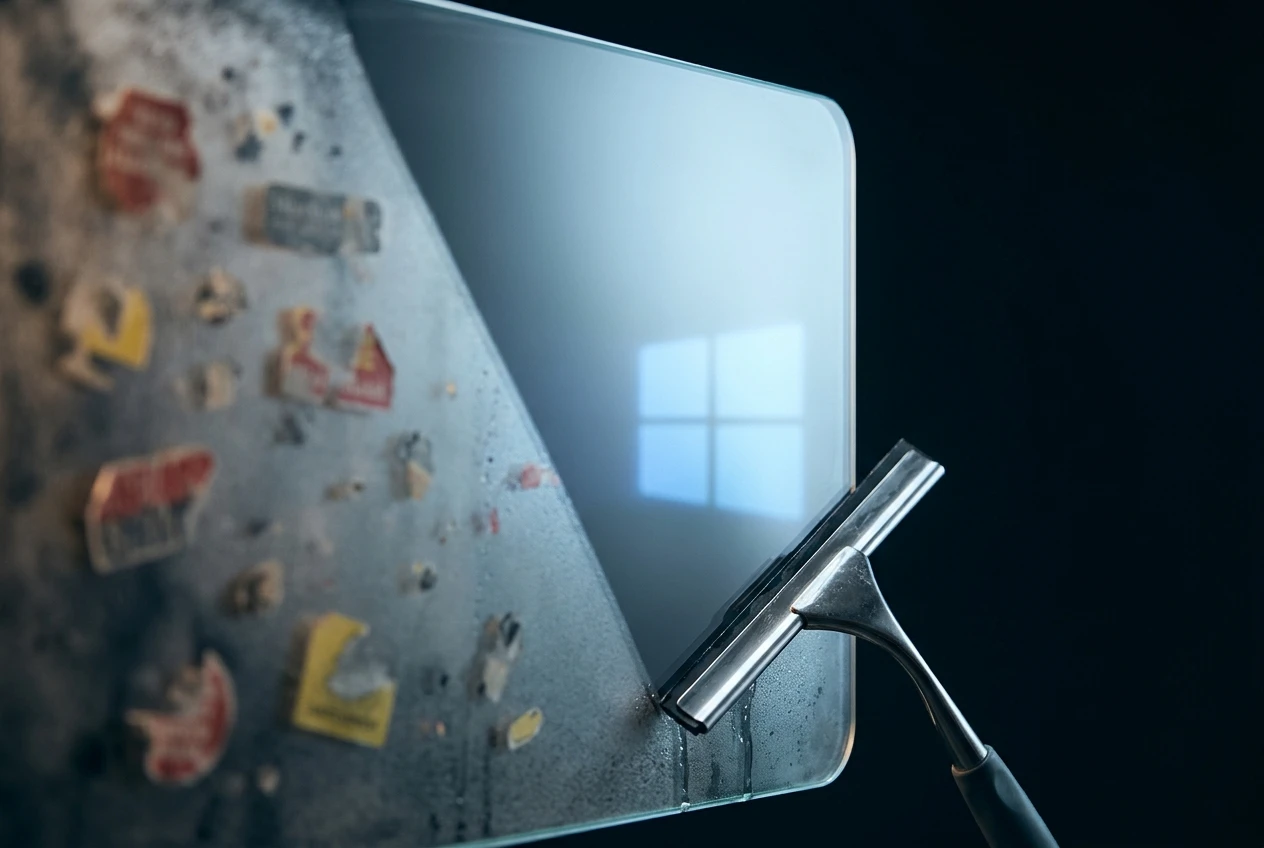
Microsoft has started ripping ads, MSN tiles and Bing clutter out of the Windows 11 search box. The rebuilt experience began rolling out to testers on July 13, adding a single toggle that can shut off web and Microsoft Store suggestions entirely so search goes back to just finding apps, files and settings.
It is the clearest admission yet that Microsoft turned its own search bar into an ad platform. The fix reaches only a slice of Windows Insiders for now, with no exact date for everyone else and a regional carve-out buried in Microsoft’s own release notes.
Microsoft Rips Ads Out of the Windows 11 Search Box
Microsoft detailed the full list of changes in a post detailing a calmer, ad-free search experience, and the rollout itself uses what the company calls a Controlled Feature Rollout. That means two PCs on the exact same Insider build can show completely different search panels, depending on when the switch flips for each device.
We focused first on making results more dependable, easier to scan, and clearer before you click.
Microsoft’s Windows Insider team wrote that in the July 13 announcement. The search box, the post noted, is where most people start when they use Windows at all.
The changes Microsoft listed are specific:
- Calmer home screen – the search panel drops the daily quiz, trending searches and game tiles for a simple list of recent searches.
- Clearer labels – every result now shows whether it is an app, a setting, a file, a web page or a Store suggestion before you click it.
- No promotional web results – the most relevant answer shows first instead of sponsored product cards.
- A privacy toggle – a new switch under Settings, Privacy and Security, Search lets people hide web and Store suggestions completely.
- Local results first – apps, settings and files now outrank web and Store suggestions whenever they are the stronger match.
In Microsoft’s own before-and-after example, typing This PC now opens the Recycle Bin and connected drives instead of triggering a Bing query.
Search Now Forgives Typos and Finds Files Faster
Typing “utlook” used to send Windows straight to a spelling corrected Bing result instead of the Outlook app. Microsoft first tested a fix in Insider build 26300.8687 on June 12, 2026, teaching search to tolerate dropped letters, extra characters and partial words when someone is hunting for an app.
March Rogers, Microsoft’s Partner Director of Design for Windows, confirmed on X that local files are now prioritized ahead of web suggestions in the newest builds.
File search picked up a smaller fix earlier and more quietly. Since the June 2026 Patch Tuesday update, cataloged as KB5094126, Windows starts returning file matches after just two typed characters instead of three.
Reliability sits inside the same package. Microsoft says it has cut the odds of crashes and loading hangs in the new search build, with more fixes still on the way. The ambition behind it reaches beyond search: Microsoft’s stated goal for the wider Windows K2 effort is a system reliable enough that it would need only one restart a month.
Windows K2 Is Microsoft’s Bet to Win Back Trust
Windows K2 is Microsoft’s internal codename for the broader repair job the search redesign belongs to. The effort took shape in the second half of 2025 and targets three things Microsoft has admitted slipped over the years: performance, reliability and what the company calls craft.
Windows president Pavan Davuluri confirmed the push in March, acknowledging the “pain points” that had built up user frustration. Sentiment around Windows has slid into negative territory over the last two years, by the company’s own admission, and the goal now is to make Windows 11 a platform people are proud to use again.
Some of that erosion is measurable. Documentation reviewed by Windows Central found that Windows 10 often benchmarks faster than Windows 11 in certain tasks, and Microsoft is now treating SteamOS, Valve’s gaming-focused operating system, as the bar to clear. The company is aiming to match SteamOS gaming performance within a year or two, and a rebuilt Start menu is targeting response times up to 60 percent faster.
It is the same admit-and-fix pattern Microsoft used when it conceded that crash-free drivers had drained laptop batteries for years, and the same instinct now playing out at Microsoft’s console business, where the company has reportedly run out of patience with Xbox after 25 years.
Hardware efficiency is part of the plan too. Microsoft wants Windows running smoothly on cheaper machines, including ones with just 8GB of RAM, the same segment it now sells through its own entry-level Surface Pro and Laptop at $849 and $949.
Windows K2 also promises the return of in-person Windows Insider Meetups, where the team hears complaints face to face. It is a signal that Microsoft wants credit for listening this time around.
Who Gets the New Search Experience First?
Only Windows Insiders enrolled in the Experimental Channel can see the redesigned search box right now, and only once Microsoft’s staged rollout reaches their specific device. Everyone else keeps the current ad-supported search until Microsoft ships a stable update, something it has only promised for later this year.
Reaching the test build takes either a simple reboot or a manual flip of feature flags exclusive to the Experimental Channel. Microsoft’s own release notes for the channel warn that such features are still under active development and might change, get pulled back, or never reach a public release at all.
Here is where the rollout actually stands:
- Confirmed: the three feature flags gating early access are named Refined Windows Search, Searchable System Components and Short Query File Search support.
- Confirmed: reaching the Feature flags page requires an administrator account, and it only appears on the Experimental Channel.
- Not yet confirmed: an exact date for the stable-channel release, which Microsoft has not announced.
- Not yet confirmed: how much the ad removal actually varies from one country to the next.
Search Has Been Windows 11’s Sore Spot Since 2021
Windows 11 launched in 2021 promising a calmer, more modern PC. Search became one of its most reliable irritants instead. Early versions padded the home screen with a trending searches feed, a daily quiz and game tiles nobody asked for, and a single misspelled app name would just as happily return a Bing web result as the actual program.
The pattern was not new even by 2023. That August, a pop-up ad appeared over a running game on a Windows 11 taskbar, an incident Microsoft called “unintended” at the time.
| Search Behavior | Before the Redesign | After the Redesign |
|---|---|---|
| Home screen | MSN tiles, a trending searches feed, a daily quiz and game suggestions | A simplified layout led by recent searches |
| Web results | Sponsored shopping tiles and prices appeared before the relevant answer | Promotional content removed; the relevant answer shows first |
| Store suggestions | Mixed into results with no separate way to turn them off | Independent toggle, separate from the web results switch |
| Settings results | Relevant settings often buried below web suggestions | First round of improved ranking, with more tuning promised later this year |
Put the two columns side by side and the shift looks less like a fresh coat of paint and more like Microsoft undoing choices it made on purpose years earlier.
The Ad Business Question Nobody Has Answered
Microsoft’s own release notes carry a catch most headlines skipped. Tucked under the ad removal claim is a single line: “Experiences vary by region.” It is the entire caveat attached to a promise that promotional content is gone from web results.
Not every reader is convinced the underlying incentive has changed. One commenter on the tech forum Slashdot asked, “Just how do they intend to make up for the revenue losses?” Other posters pointed to telemetry, sponsored placements and bloated code as the business model Windows has been built around in recent years.
The open question is whether that restraint survives the trip from an experimental build to a shipped product. Microsoft has also said display drivers will only update during reboots, part of the same effort to cut down on surprise disruptions.
The search box has not cut ties with Microsoft’s ad and search business. It has just made the exit door easier to find.
Frequently Asked Questions
How Do I Get the New Windows 11 Search Right Now?
Only Windows Insiders on the Experimental Channel can try it today, and even a reboot might not be enough since the rollout is staged. Anyone enrolled can flip the three search-related feature flags under Settings, then Windows Update, then Windows Insider Program, then Feature flags, and select Apply Changes before restarting. The page requires an administrator account.
Will This Remove Every Ad From Windows 11?
No. The redesign only touches the search box, pulling promotional content out of web results and adding a toggle to hide web and Store suggestions. Ads elsewhere in Windows, including Start menu app recommendations and Windows Spotlight images on the lock screen, sit in separate settings and are not part of this change.
Is Windows 10 Getting This Search Update Too?
No. Windows 10 passed its end of normal support in October 2025, and Microsoft is not building new features for it. The redesigned search box is exclusive to Windows 11, and for now, only to Insiders testing builds in the Experimental Channel.
Does Turning Off Web Results Stop Bing Everywhere Else?
No. The Settings toggle only controls what appears inside the Windows search box itself. Bing still supplies whatever web results show when the toggle is left on, and it remains the default search engine tied to Microsoft Edge outside of Search entirely.
What Is the Windows Insider Experimental Channel?
It is the newest and earliest tier of Microsoft’s testing program, introduced in 2026 to replace the older Dev and Canary channels. Features there are still under active development, can change or vanish, and are not a guarantee of what ships in the next public Windows 11 release.


Walmart’s $50 Million Opioid Settlement Closes Case Without Admission

California Sues Over $120 Million Morro Bay Wind Lease Buyout

Gilead Bixlenvo FDA Nod Opens Single Pill Path for Complex HIV Cases

Meta’s $18B Kids Deal Forever Shields Data Used to Spot Under-13s

Lettuce Outbreak Drove Record Cyclospora Spike Across 20 States

Amazon Shaves $20 Off M6 Mac Mini Before It Even Ships

SpaceX Louisiana Port Tests Debt Markets on Orbital AI Scale

Microsoft High Lifts Indexes as Small Caps Crack Support

Apple Replays 2015 Saturday Midnight Preorder for iPhone 18 Pro

Updated COVID Shots Clear FDA but Access Friction Hits High-Risk Groups

Take-Two CEO Pushes Netflix Subs for GTA 6 Extended Look

Wildlands Free Update Hands Players the Tools They Already Invented

Quake Gets 19 Free Maps From MachineGames Quake Club

Destiny 2 Fans Unlock Vaulted Maps After Live Service Ends

Quordle Monday Delivers Gavel Crush Speed Ethos Cleanly

Stripe Bid Shows PayPal Moat Cracked After Years of Slide

Tyson’s Five-Year Utah Plant Falls to Cattle Shortage Reckoning

Silver Lake Workday Talks Signal Private Floor for Software

Kennedy Lewis Takes Majority Control of The Greenbrier in $500M Deal

Best Buy Marks 60 Years With Sale That Echoes Its Audio Shop Roots
-

 TECHNOLOGY3 years ago
How to Adjust a Bulova Watch Band – An Easy Guide
-

 News3 years ago
Fred Pentland: Athletic Bilbao’s English mentor who changed the essence of Spanish football
-

 FINANCE3 years ago
Tax Planning for Every Season: Guide to Maximizing Your Tax Benefits
-

 Education3 years ago
African Ministers New Education Plan
-
 BUSINESS3 years ago
What is Entrepreneurial Operating System? A Comprehensive Guide to EOS
-

 Education3 years ago
Innovate Your Learning Journey with Technology and Enhance Education
-

 News3 years ago
Russians formally out of World Athletics Championships
-

 BUSINESS3 years ago
Top 9 Most Expensive American Cities to Rent an Apartment