
News
Microsoft 365 Auth Fault Took Down Exchange and Teams
A shared Microsoft 365 authentication configuration took down Exchange, Teams and Defender on Monday, with leftover search issues still lingering.

A core authentication configuration used by multiple Microsoft 365 services knocked Exchange Online offline on Monday, Aug. 31, and took Teams, OneDrive, SharePoint, Purview and Defender XDR with it. Users hit send-and-receive failures, sign-in errors and broken search as they came back from the weekend. Mailboxes came back late that night. Search, queues and a slice of leftover impact did not.
Microsoft listed the start at 10:08 a.m. CDT (11:08 a.m. ET) under incident EX1464935, then opened a wider ticket, MO1465074, once other apps showed the same fault. Late Tuesday it said the service was stable and that lingering scenarios were still being worked.
Microsoft Traced Monday’s Outage to a Shared Login Layer
The public story opened as an Outlook problem. The company’s own wording did not stay there. In the admin-center post copied onto Microsoft Q&A, engineers wrote that “an issue within a core authentication configuration used by multiple Microsoft 365 services is resulting in impact.” Exchange Online was still “the most predominantly impacted service.” The same note said the authentication-component issue reached other services, which is why MO1465074 exists.
A Microsoft spokesperson said the company was “aware of an issue affecting access to Exchange Online and some other services” and asked customers for patience while it restored them. That is a product-suite failure with a login-plane cause, not a bad day for one mail client.
Microsoft 365 Status first said it was investigating at 12:01 p.m. ET, then confirmed degraded Exchange functions at 12:43 p.m. ET.
https://x.com/MSFT365Status/status/2094465993007378744
By 1:41 p.m. ET it had named “an authentication component” and said a fix was being tested on part of the systems before a wider rollout. Offices that already had Outlook open sometimes kept a working session. A restart, or a fresh sign-in, dumped people back onto the broken login path. Word could still open. Mail could not. That split is what a shared sign-in fault looks like from a desk: anything that had to re-authenticate went dark.
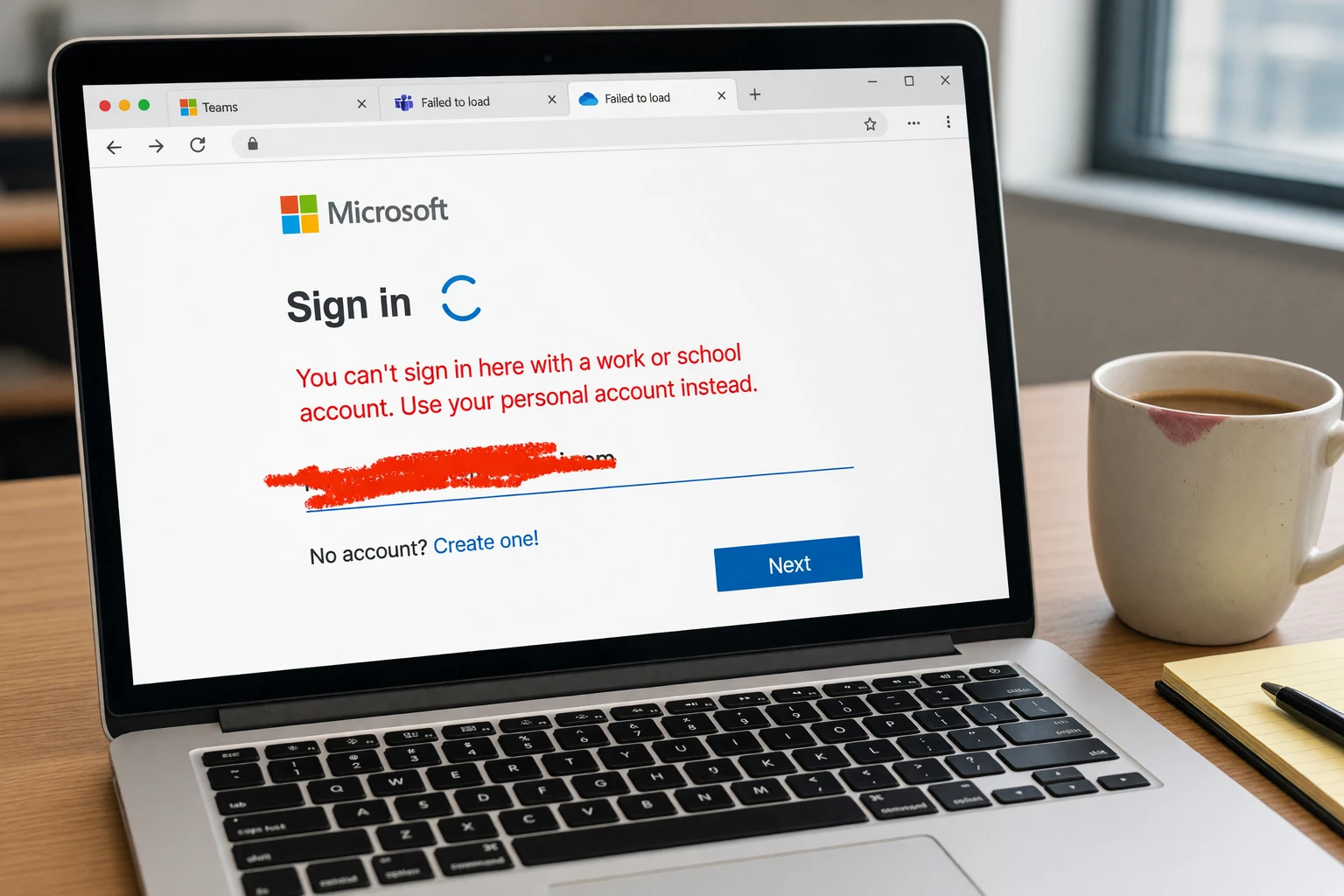
Seven Workloads, One Authentication Fault
Microsoft’s status page listed service degradation for Microsoft 365 Business or Enterprise across a stack that is sold as separate products and fails as one identity. Exchange carried the noise because people notice missing mail first. Purview and Defender XDR going with it is the quieter cost. Security consoles that share the same login plane cannot inspect the outage that just took them down.
WORKLOADS TIED TO THE SAME FAULT
| Service | Where it sits | Monday impact |
|---|---|---|
| Exchange Online | Mail, calendar, contacts, tasks | Send/receive delays and failures, search gaps, mailbox errors, sign-in failures |
| Microsoft Teams | Chat, meetings, calendar | Named on MO1465074; calendar and search trouble |
| OneDrive for Business | Files | Access disruption |
| SharePoint Online | Sites and files | Access disruption |
| Microsoft Purview | Compliance | Access disruption |
| Microsoft Defender XDR | Security operations | Access disruption |
| Microsoft 365 Admin Center | Tenant management | Admin access trouble, including Exchange admin tools |
Microsoft’s own Conditional Access docs say the Office 365 app grouping exists because those cloud services are deeply integrated, and that Teams depends on Exchange and SharePoint. A login setting that lives under Exchange can still starve every app that waits on the same ticket. That is the second failure, after the inbox itself: the suite is efficient on a normal Monday because it shares identity, and brittle on this one for the same reason.
How a Misapplied Config Spread Across Microsoft 365
Through the afternoon Microsoft kept tightening the cause. At 3:01 p.m. ET it said the authentication-component issue reached services beyond Exchange and pointed admins to MO1465074. At 4:50 p.m. ET it said a misconfiguration “may be preventing authentication components from deploying as expected to a portion of infrastructure,” and that it was reexamining recent changes. It also said it was looking at every safe way to restore those components, including rolling back an update the affected systems had just received.
We’ve identified issues related to a core authentication configuration used by multiple internal services within the Exchange Online infrastructure. We’re performing a manual test on the individual server level to reset to configurations to validate if this resolves the issue.
Microsoft 365 incident update, Aug. 31
That sequence is a change-management story as much as a mail story. A setting used by several internal Exchange services did not land on part of the fleet. Engineers then tested resets one server at a time, applied a targeted mitigation to a sample of systems, watched telemetry, and widened the rollout. Some users saw mail return while the next desk stayed stuck, which matches a staged re-apply rather than a single global switch.
Luke Kehoe, lead industry analyst at Ookla, said report volume spiked from around 11:20 a.m. ET and ran to well over 130,000 user reports across the day, against a normal Monday in the low thousands. more than 6,000 Outlook reports sat on Downdetector at the midday peak, a separate concurrent snapshot, not a second daily total. Around 9:15 p.m. ET about 500 reports were still coming in, against a baseline of 11. Email is still the pipe most offices cannot reroute by lunch, which is why a login-plane fault reads as a company-wide freeze even when only part of the fleet is sick.
Check the Admin Center If You Can Reach It
Microsoft told customers to read EX1464935 and MO1465074 in the admin center. The same incident listed difficulties accessing Exchange administration experiences, and the public status page included the Microsoft 365 Admin Center among degraded services. The dashboard that is supposed to explain an outage was on the casualty list.
Microsoft’s service-health rules say customers are notified of known incidents through Service health in the Microsoft 365 admin center, with updates on an hourly cadence unless the post says otherwise. For broad, customer-impacting incidents it also promises a preliminary post-incident review within 48 hours of resolution, then a final review within five business days. That clock does not start while leftover scenarios are still open.
SYMPTOMS MICROSOFT LISTED FOR EXCHANGE
- Mail flow: Delays or failures when sending or receiving messages.
- Search: Delays, failures, or incomplete results inside Exchange mailboxes.
- Sign-in: Authentication-related errors when accessing Exchange Online.
- Admin tools: Trouble accessing or using Exchange administration experiences.
- Mailbox jobs: Intermittent failures in mailbox operations and delivery workflows.
SLA money, if any, will not land as a suite-wide apology. Partner-center guidance says service-outage credits follow the Service Level Agreement for Online Services, are approved only for the service that failed (SharePoint credit for a SharePoint outage, not the whole Office 365 plan), and are prorated by duration. Claims for these services have to be filed within one month from the end of the billing month, with a tenant ID and the outage ID from Service Health. Admins who could not open that portal on Monday will need the incident IDs from the public X thread instead.
February’s Entra Failure Already Cut This Path
Microsoft did not call Monday’s fault an Entra ID outage. It placed the bad configuration inside Exchange Online’s own internals. The blast radius still rhymes with earlier identity-plane incidents, because so much of Microsoft 365 waits on a common sign-in path.
A published Azure post-incident review for a February 2025 Entra ID authentication failure shows how a small identity change becomes a wide lockout. Between 16:42 UTC on Feb. 25, 2025, and 01:15 UTC on Feb. 26, a maintenance change removed an intermediate DNS record used by Seamless SSO and Microsoft Entra Connect Sync. Users lost silent sign-in. Some clients were blocked outright. About 94% of the impact was mitigated by 18:35 UTC after a partial restore; full mitigation waited until the hostname was rolled back to an A record the next morning. A drift-detection safety check had failed to flag the record as in use. Incident tooling was also misconfigured, which delayed customer notices.
Monday’s language is different (a core authentication configuration that would not deploy) and the product list is longer. The pattern is not. A change meant to land on part of the identity path, a safety net that did not catch it, a staged restore, and leftover clients after the headline service looks healthy. Microsoft had already spent recent months on Exchange Online mail-flow and mailbox-access incidents, including a June disruption across North America, Asia-Pacific and Europe. Identity is the load-bearing wall those events keep leaning on.
Inboxes Recovered Hours Before Search Did
Recovery was not one switch. At 7:47 p.m. ET Monday, Microsoft said users should begin to see gradual mail-flow recovery while it restarted targeted sections of the affected systems. At 11:52 p.m. ET, nearly 13 hours after the listed start, it said mailbox connectivity had returned to expected thresholds and that search was the next job. By 1:24 a.m. ET Tuesday it said mail flow was working and queues were draining. Search telemetry improved later that morning. At 11:57 a.m. ET Tuesday it said core Exchange experiences, including mail flow and search, had recovered, and that it was still validating dependent Microsoft 365 services.
THE RECOVERY CLOCK
- Aug. 31, 10:08 a.m. CDT: Microsoft lists the incident start for EX1464935.
- Aug. 31, 12:01 p.m. ET: Microsoft 365 Status says it is investigating Exchange Online reports.
- Aug. 31, 1:41 p.m. ET: An authentication component is named and a staged fix begins.
- Aug. 31, 3:01 p.m. ET: Impact beyond Exchange is confirmed under MO1465074.
- Aug. 31, 11:52 p.m. ET: Mailbox connectivity returns; search stays degraded.
- Sep. 1, 11:57 a.m. ET: Mail flow and search are called recovered; leftover work continues on other apps.
- Sep. 1, 11:07 p.m. ET: Microsoft says the service is stable and a majority of scenarios should be restored, with lingering impact still in play.
Search lagging the inbox is the leftover fingerprint of an identity fix. Mail delivery can resume once servers accept the re-applied components. Downstream features that still talk to older tickets, including search, wait on restarts Microsoft itself described as uneven. “Some sections of affected infrastructure which aren’t accepting the re-applied authentication components as readily as expected” was the company’s own line Monday night. Queued messages then take time to drain “due to the volume of previously queued messages.”
WHAT WE KNOW
- The cause: Microsoft attributes the outage to a core authentication configuration used by multiple Microsoft 365 services, with a misconfiguration blocking those components on part of the fleet.
- The span: Impact is listed from 10:08 a.m. CDT Monday; mailbox connectivity returned at 11:52 p.m. ET; mail flow and search were called recovered at 11:57 a.m. ET Tuesday.
- The leftovers: Late Tuesday Microsoft still described lingering impact scenarios after calling the service stable.
WHAT IS UNCONFIRMED
- Full root cause: No public post-incident review has been posted yet, so the exact change that broke the deploy is still Microsoft’s internal finding.
- Who still hurts: Microsoft has not published a user count or a region map for the leftover slice.
- Credits: Any SLA payout depends on per-service downtime math that tenants have to file themselves.
https://x.com/MSFT365Status/status/2094985582912909378
Overnight it said monitoring showed a stable service, that it still expected a majority of affected scenarios to be restored, and that multiple work streams were aimed at the lingering ones. Admins still holding EX1464935 and MO1465074 open are waiting on that last slice, and on the review Microsoft’s own clock starts only after it calls the incident resolved.


Sony and Warner Sue Anthropic Over Torrented Song Lyrics

Microsoft 365 Auth Fault Took Down Exchange and Teams

Honor’s Robot Phone Works, Then Prices Itself Out

Florida Cities Top Retirement Rankings the Scores Cannot Explain

Walmart’s $50 Million Opioid Settlement Closes Case Without Admission

California Sues Over $120 Million Morro Bay Wind Lease Buyout

Gilead Bixlenvo FDA Nod Opens Single Pill Path for Complex HIV Cases

Meta’s $18B Kids Deal Forever Shields Data Used to Spot Under-13s

Lettuce Outbreak Drove Record Cyclospora Spike Across 20 States

Amazon Shaves $20 Off M6 Mac Mini Before It Even Ships

Take-Two CEO Pushes Netflix Subs for GTA 6 Extended Look

Quake Gets 19 Free Maps From MachineGames Quake Club

Destiny 2 Fans Unlock Vaulted Maps After Live Service Ends

Wildlands Free Update Hands Players the Tools They Already Invented

Stripe Bid Shows PayPal Moat Cracked After Years of Slide

Quordle Monday Delivers Gavel Crush Speed Ethos Cleanly

Tyson’s Five-Year Utah Plant Falls to Cattle Shortage Reckoning

Silver Lake Workday Talks Signal Private Floor for Software

Kennedy Lewis Takes Majority Control of The Greenbrier in $500M Deal

Best Buy Marks 60 Years With Sale That Echoes Its Audio Shop Roots
-

 TECHNOLOGY3 years ago
How to Adjust a Bulova Watch Band – An Easy Guide
-

 News3 years ago
Fred Pentland: Athletic Bilbao’s English mentor who changed the essence of Spanish football
-

 FINANCE3 years ago
Tax Planning for Every Season: Guide to Maximizing Your Tax Benefits
-

 Education3 years ago
African Ministers New Education Plan
-

 BUSINESS3 years ago
What is Entrepreneurial Operating System? A Comprehensive Guide to EOS
-

 Education3 years ago
Innovate Your Learning Journey with Technology and Enhance Education
-

 News3 years ago
Russians formally out of World Athletics Championships
-

 BUSINESS3 years ago
Top 9 Most Expensive American Cities to Rent an Apartment