
News
Nvidia Retires Its 20-Year Control Panel as 610.47 Driver Ships

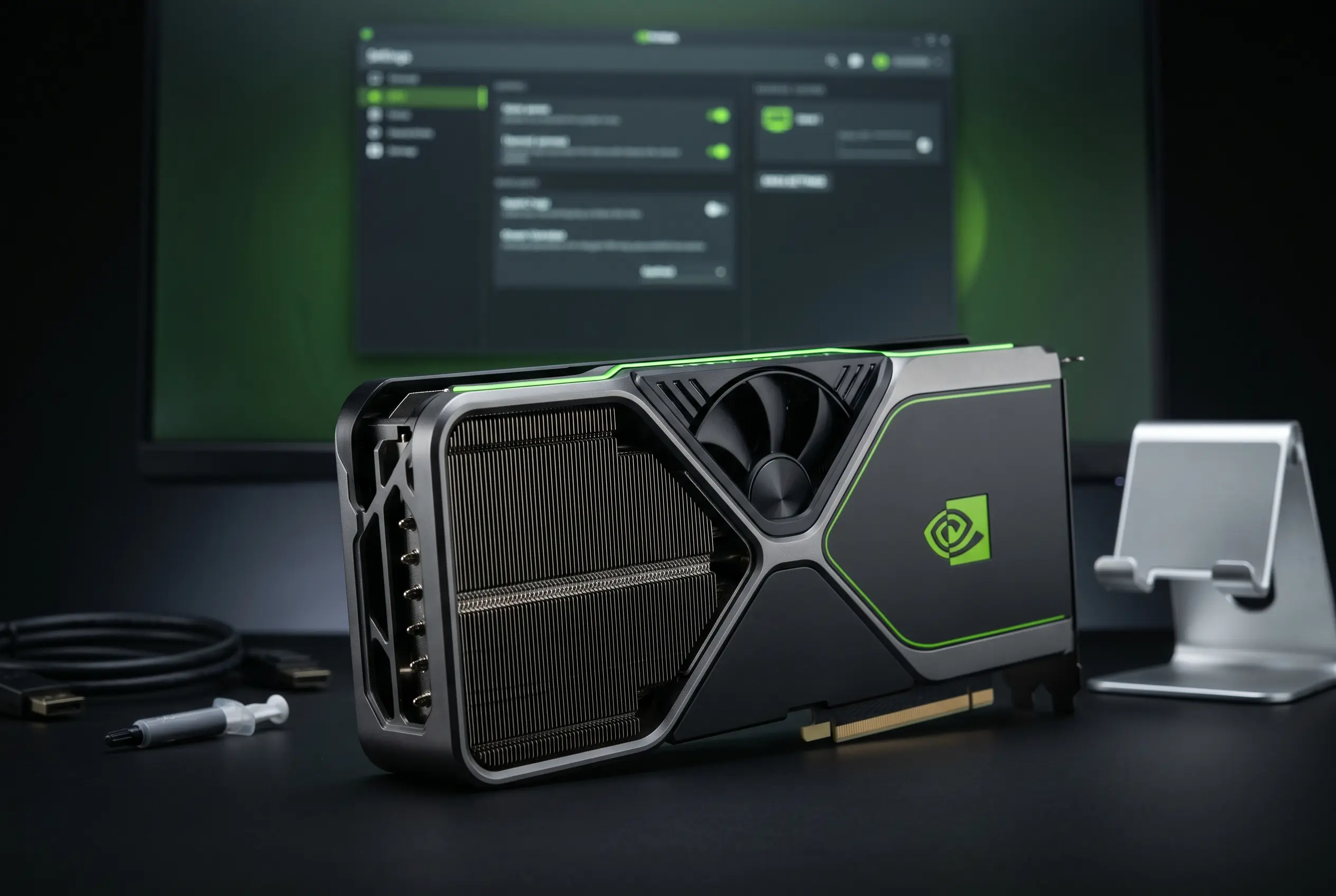
Nvidia shipped its 610.47 Game Ready and Studio driver on Tuesday, May 26, and quietly buried a 20-year obituary inside the release notes. The Nvidia Control Panel, the right-click utility that has shipped with GeForce drivers on Windows since the mid-2000s, is officially retired. Its functions now live inside the unified Nvidia app client, the replacement the company has been rebuilding since early 2024.
The swap was telegraphed two years ago and is largely complete on paper. What it means in practice is that every GeForce owner now manages display, color, 3D settings, and game profiles through a single client that also asks for an optional account login, ships with a telemetry process active by default, and includes an overlay whose performance cost has, in earlier versions, been measurable.
The 610.47 Driver Closes a Two-Decade Chapter
“With the introduction of our most recent Nvidia App update, all actively supported Nvidia Control Panel features for GeForce users have been modernized and transitioned to the new client,” the company wrote in the release notes for the 610.47 WHQL release. The classic panel, the statement adds, is “officially retiring for Game Ready and Studio Drivers.”
Users who already have the Control Panel installed will not see anything missing on Wednesday morning. The legacy app stays on the PC, keeps responding to right-click desktop shortcuts, and remains downloadable from the Microsoft Store. What it stops getting is everything else. No new features. No bug fixes. No support hooks tied to future GPU architectures or new DLSS releases.
A driver clean install, the kind power users run when chasing a display regression, will wipe the panel off the machine for good. From that point on, the only way back is the Store download, and the Store build will not pick up any toggles that ship in future drivers. Nvidia did not commit to a date for removing the Store build itself, though Tuesday’s announcement closed every other migration path the company had still left open.
The Features That Crossed Into the New Client
The migration covered the parts of the panel most GeForce owners touch in a given month. Display configuration, refresh rate selection, G-SYNC toggles, color and gamma controls, image scaling, the global and per-application 3D Settings tree, multi-monitor surround setups, and the older Ansel and Freestyle game filters all made the trip into the new client across roughly 18 months of incremental updates.
| Control Panel Function | Where It Lives in the Nvidia App |
|---|---|
| Manage 3D Settings (global and per-game) | Graphics tab, Global Settings and Program Settings |
| Change resolution and refresh rate | Display tab, Resolution panel |
| Set up G-SYNC and adjust V-Sync | Display tab, G-SYNC section |
| Configure Surround multi-monitor walls | Display tab, Surround |
| Adjust color, gamma, and digital vibrance | Display tab, Adjust Color |
| Ansel and Freestyle game filters | Overlay (Alt+Z), Game Filters |
| Driver and update management | Drivers tab |
What did not make the move sits in a smaller but louder category. A handful of legacy overrides, force-enabling certain anti-aliasing modes on older DirectX titles, applying Ansel to games the developer never whitelisted, and a few edge-case display configuration shortcuts have either been removed outright or buried deeper in the new app’s settings tree. For most GeForce users that gap is invisible. For the niche that has spent the last decade extracting last-percent performance from older titles, it is the part of the panel they will miss.
Nvidia began shipping the Nvidia app in public beta in February 2024, took it to general availability later the same year, and used 2025 to fold in driver downloads, per-game DLSS (Deep Learning Super Sampling, the company’s AI upscaling stack) configuration, automatic settings optimization, in-app GPU tuning, performance counters in the overlay, and ShadowPlay capture. By the time Tuesday’s release went out, the new client was the only place those features were getting maintenance updates.
RTX Pro Users Get a Stay of Execution
Workstation users keep the panel for now. Nvidia’s wording on that point is precise: “For Nvidia RTX PRO users, the Nvidia Control Panel will continue to be supported until we have migrated professional features to the Nvidia app.” No date was attached. The features still pending migration are the ones the company never built into the consumer-facing client, and most of them tie into broadcast, simulation, virtual production, and CAD (computer-aided design) workflows where a wrong click can break a render queue or kill a live feed:
- Mosaic, the multi-display workstation wall layout used on trading floors and command centers
- ECC (error-correcting code) memory toggles for workstation cards, a feature consumer GeForce parts do not ship with at all
- SDI and genlock outputs for broadcast video chains where frame-accurate sync matters
- Advanced EDID management and custom display timing overrides
- Stereo and quad-buffered stereoscopic configurations used in CAD and simulation pipelines
Once those land in the Nvidia app with the regression testing enterprise IT departments expect, the Control Panel’s life ends entirely. Until then, RTX PRO cards remain the only piece of Nvidia’s hardware stack with the old utility still in active maintenance, an arrangement that maps neatly onto the company’s recent earnings tilt toward enterprise and data center revenue over consumer GPUs.
The Costs That Came With the Modernization
The Nvidia app is brighter, faster to navigate, and offers a search bar the Control Panel never had. It also asks for things the older utility never asked for, and that is where the resistance has come from.
An Optional Login With Account Architecture Underneath
The Nvidia app’s direct predecessor, GeForce Experience, required an Nvidia account login to download new drivers when it first shipped. The new app dropped that mandate before launch after years of complaints, and login is now optional, tied mainly to the Nvidia Rewards program. The account-based plumbing, though, is still inside the binary. Users who never sign in still install a client architected around an account system, a measurable departure from the Win32 Control Panel that never knew or cared who was using the machine.
Telemetry That Cannot Be Toggled in the UI
The replacement client ships with a telemetry component active by default. Nvidia’s own privacy statement notes that the app collects hardware configuration, operating system, language, installed games, game settings, game usage, performance data, and current driver version. The company maintains it does not share user-level data outside the firm, and that aggregated data goes only to select partners. There is no in-app toggle to switch the telemetry off, a contrast users have repeatedly raised on the official Nvidia app feedback forum when comparing the client with AMD’s and Intel’s own driver utilities.
An Overlay With a Documented Performance History
The third complaint is the most concrete. Independent testing in late 2024 found that the app’s Game Filters and Photo Mode overlay components could drop framerates by as much as 15 percent in some titles, even when no filter was active. Nvidia acknowledged the issue, traced it to the overlay rendering path, and pushed multiple fixes through 2025 updates. The recommended workaround in the meantime was to disable Game Filters and Photo Mode under Settings, Features, Overlay, which restored normal performance.
Together, those three frictions explain why community forums and subreddits still see weekly threads asking how to keep the old Control Panel installed after a driver update. The new client carries costs the old panel, an inert Win32 dialog that ran no overlay and asked no questions, simply did not have.
Inside 610.47: 007 First Light, Lego Batman, and CUDA 13.3
The same driver that retired the Control Panel also delivered a respectable batch of game day work, adding Game Ready optimizations for IO Interactive’s 007 First Light, the first James Bond outing from the Hitman studio, plus Lego Batman: Legacy of the Dark Knight, EA Sports F1 25’s 2026 Season Pack, and World of Tanks: HEAT. The CUDA (Compute Unified Device Architecture, Nvidia’s GPU programming toolkit) version inside the package moved to v13.3, a developer-facing update most gamers will never notice but which matters for the creator and AI workloads the same drivers serve.
The combination of game day plus app retirement gave Nvidia a built-in reason to push the driver onto every GeForce machine in the same week, which is also how a two-decade app sunset became one bullet in a release-notes wall:
After 20 years of dedicated service, the classic Nvidia Control Panel is officially retiring for Game Ready and Studio Drivers. For Nvidia RTX PRO users, the Nvidia Control Panel will continue to be supported until we have migrated professional features to the Nvidia app.
That is the whole obituary. The same release notes go on for three more pages about DLSS 4.5’s second-generation transformer model and the 6X Dynamic Multi Frame Generation pipeline Nvidia announced at CES 2026. The app’s retirement, by contrast, fit inside one paragraph.
Where Control Panel Loyalists Land Next
For the GeForce user who never touched the panel except to set a refresh rate, this week’s change is functionally invisible. The Nvidia app does that job, does it through a cleaner interface, and the user signs no agreements and learns no new shortcuts. The migration is, for the majority, a software update that swapped one menu for another.
For the player who used the panel as a tuning surface, overriding anti-aliasing on a six-year-old DirectX 11 title, locking a custom resolution, forcing a specific texture filtering mode, the new client is a learning curve. The same toggles are there in most cases. They sit under different headings, take more clicks to reach, and live in an app whose architecture and overlay carry costs the old panel did not.
The forward question is what happens to the RTX PRO holdouts. Nvidia has given itself no deadline for the workstation migration. If the company moves Mosaic and ECC controls into the new client by the end of the year, the legacy panel disappears entirely; the last installable .msi sunsets, and a tool that has been part of every Nvidia driver bundle since the Vista era is finally gone.
If the professional migration stretches into 2027, the panel survives in workstation IT closets for another full hardware cycle, kept alive by exactly the workflows it was never originally designed for. Either way, the consumer chapter closed Tuesday, and the Pro migration is the piece of the puzzle Nvidia still has to finish.






NFL Three-Strike Safety Fouls Now Pull Coaches and Clubs In

Browns Fans Tape Protest Signs to Jim Brown Statue Over Watson

Amazon Pixel 11 Deal Erases the $100 Hike for One More Day

Elden Ring on Switch 2 Turns Its Own Worst Label Into a Portable Win

Ternus Takes the Stage With Apple’s Foldable Debut

Ikea Xbox Yxstaby Turns Controller Thumbstick Into Home Furniture

Pokémon Center Turns Past Worlds Wins Into Bundles and a Pikachu Coin

NFL Scraps Pro Bowl Game to Restore Pure Player Honor

New Twitter.now Bets the Brand Musk Left Behind

Bella Mir’s Famous First Loss Meets the Accountant Who Won

Take-Two CEO Pushes Netflix Subs for GTA 6 Extended Look

Halo Campaign Evolved Skulls Meet Death Barriers That Kill the Hunt

Wildlands Free Update Hands Players the Tools They Already Invented

Destiny 2 Fans Unlock Vaulted Maps After Live Service Ends

Quake Gets 19 Free Maps From MachineGames Quake Club

Stripe Bid Shows PayPal Moat Cracked After Years of Slide

Quordle Monday Delivers Gavel Crush Speed Ethos Cleanly

Tyson’s Five-Year Utah Plant Falls to Cattle Shortage Reckoning

Silver Lake Workday Talks Signal Private Floor for Software

Kennedy Lewis Takes Majority Control of The Greenbrier in $500M Deal
-

 TECHNOLOGY3 years ago
How to Adjust a Bulova Watch Band – An Easy Guide
-

 News3 years ago
Fred Pentland: Athletic Bilbao’s English mentor who changed the essence of Spanish football
-

 FINANCE3 years ago
Tax Planning for Every Season: Guide to Maximizing Your Tax Benefits
-

 Education3 years ago
African Ministers New Education Plan
-
 BUSINESS3 years ago
What is Entrepreneurial Operating System? A Comprehensive Guide to EOS
-

 Education3 years ago
Innovate Your Learning Journey with Technology and Enhance Education
-

 News3 years ago
Russians formally out of World Athletics Championships
-

 BUSINESS3 years ago
Top 9 Most Expensive American Cities to Rent an Apartment