
NEWS
Google Sets 2027 Dates to End Nest and Assistant
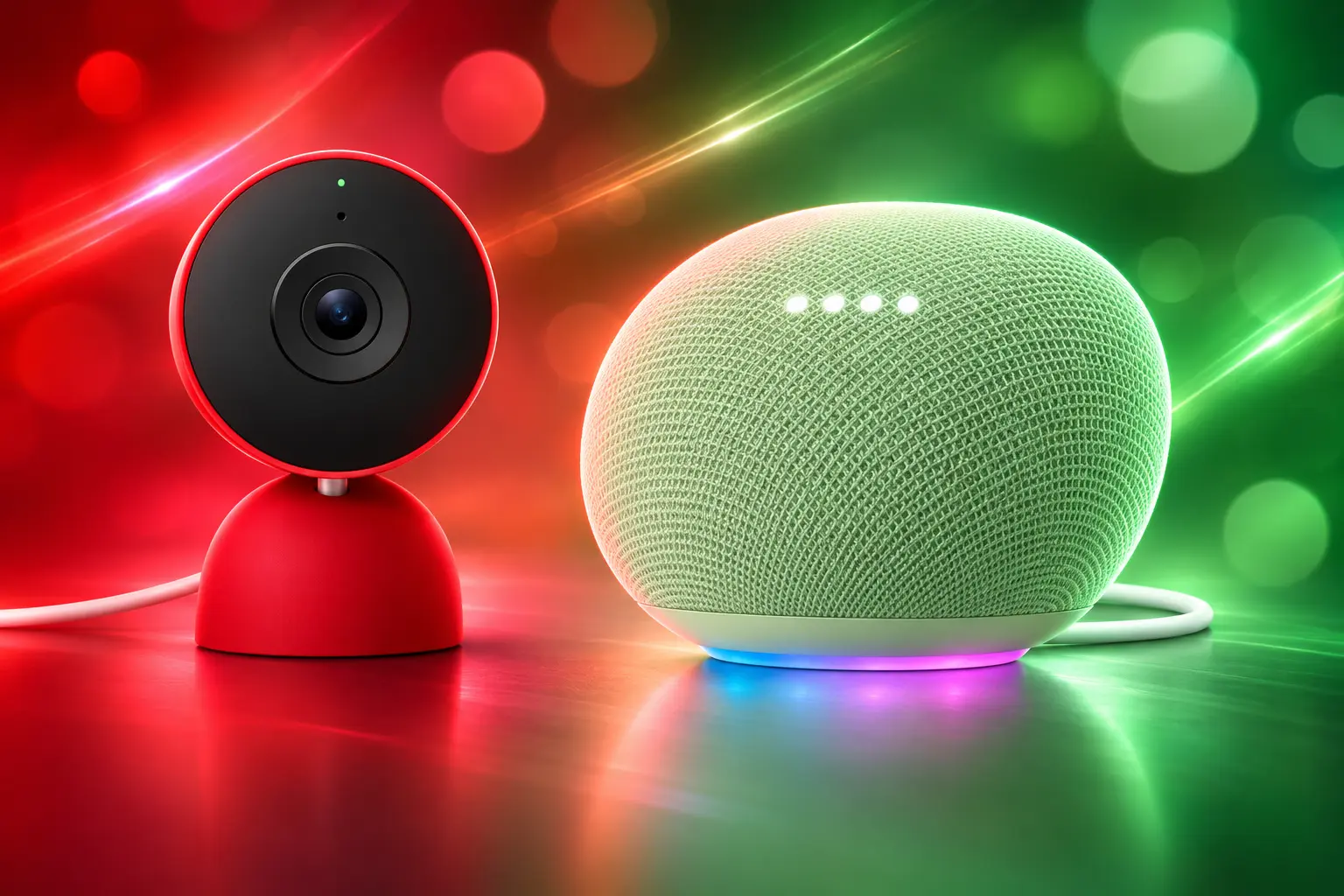
Google will close the Nest app on January 25, 2027, then force speakers from Assistant to Gemini, ending years of two apps.

Google will retire the Nest app on January 25, 2027 and pull Google Assistant off smart speakers on August 2. The hardware stays in the house. The software stack that ran it does not.
On November 20, 2026, Google published both dates, plus a March 25, 2027 cutoff to link old Nest logins before account data is deleted. The company is collapsing two apps and two voices into Google Home and Gemini for Home, a cleanup that has been coming since it bought Nest Labs for $3.2 billion in January 2014.
January 25 Is the Last Day for the Nest App
The Nest app stops on Android, iOS, TV, and the web at home.nest.com. After that date you cannot view or control devices there. Remote control and alerts move to the Google Home app and home.google.com, which require a Google Account.
Google says this is an app change, not a hardware kill. Thermostats, cameras, doorbells, Nest Protect (2nd gen) smoke and CO alarms, and the Nest x Yale Lock still run in the house. If you skip Home, you lose the phone and web path into them.
THE DATES GOOGLE SET
| Date | What ends | What Google moves on its own |
|---|---|---|
| January 25, 2027 | Nest app on Android, iOS, TV, and home.nest.com | Supported Nest devices, schedules, settings, and camera history, plus Nest Aware (1st gen) into Google Home Premium Advanced |
| March 25, 2027 | Unlinked Nest accounts, their data, and their subscriptions | Nothing; you must link a Google Account or take your data first |
| August 2, 2027 | Google Assistant on speakers and smart displays | Those devices onto Gemini for Home, with no switch back |
Supported gear in Home includes the Nest Learning Thermostat (3rd gen, 2015), Nest Thermostat E (2017), Nest Thermostat (2020), Nest Learning Thermostat (4th gen, 2024), and Nest Temperature Sensors. Camera support covers the original wired Nest Cam Indoor and Outdoor, Nest Cam IQ, Nest Hello, the Nest Hub Max camera, and Nest cams and doorbells launched in 2021 or later. Nest Protect (2nd gen) stays in the app through the expiration date printed on the device.
You do not rescan QR codes. Once a Nest login is tied to a Google Account, thermostats, locks, and alarms show up in Home. Cameras and their event and 24/7 history start moving on January 25, 2027. Google also says a small set of older Nest app tools is not in Home yet.
Saved Clips Stay Behind, and So Does a Nest Login
Camera history moves. The clip library you saved by hand on home.nest.com does not. For older Nest cameras and doorbells, Google tells owners to open that site before January 25, 2027 and use Download All. After the move, home.google.com can show live video, history, and downloads up to 5 minutes.
Transferred history then ages out on the usual 30-day or 60-day window, matching the Home Premium plan on the account. Nest Aware (1st gen), last sold in 2023, becomes Google Home Premium Advanced on January 25, 2027 at no extra cost and with no new card entry. Anyone who still pays that old plan is being dropped onto the higher Home Premium tier, not the cheaper one.
The sharper trap is the login. If you started with Nest after August 19, 2019, you already use a Google Account. If you still tap “Sign in with Nest” and type a separate password, you have a pre-2019 Nest account. Home will not run without a Google Account. You can download or delete data until March 25, 2027, two calendar months after the app closes. After that, an unlinked Nest account, its data, and its subscriptions are deleted. Workspace logins can be linked, but Google says a personal Gmail account is what unlocks the full Home feature set in your country. ADT Nest setups are left alone; they never used the Nest app.
WHAT TO DO BEFORE JANUARY 25
- Get Home: Download the Google Home app and sign in with a Google Account.
- Old Nest password: Finish the one-time migrate step in Nest app settings if you still sign in with Nest, not Google.
- Clip library: Open home.nest.com and hit Download All for any saved clips you want to keep.
Skip those steps and the thermostats still heat the house. You just lose the remote door into them, and on March 25 you can lose the account that held the footage.
Why Google Is Retiring the Nest App
Google has said the quiet part on its own help page. Owners have been splitting time between Nest for older gear and Home for newer gear. Now that last-decade Nest controls live in Home, the company wants one place to put engineering and security work.
Retiring the Nest app allows us to focus all of our engineering, security, and feature investments on one unified, modern experience.
Google, Nest app transition help page
Home adds a Favorites dashboard, widgets, TV and watch controls, and Matter devices next to Nest cams and thermostats. It also adds Ask Home, Gemini-written camera descriptions, and Home Brief recaps on the Advanced plan. That is the pitch. The people still on Nest did not miss it. They stayed because a camera check in Nest is still faster than hunting through Home’s rooms, delayed feeds, and settings maze, which is why a forced move on January 25 is a product argument Google is ending by calendar instead of by winning the glance.
Gemini Takes Over Speakers on August 2, 2027
Google Assistant remains optional on speakers and displays until August 2, 2027. That day Gemini for Home becomes the only voice on Google’s own speakers and smart displays. Google’s Home account put the two 2027 moves in one post on November 20, 2026.
Changes are coming to the Google Home & Nest community: Controls for Nest devices in the Nest app will move to the Google Home app in Jan 2027 & Google Assistant shifts to Gemini for Home in Aug 2027. More on why we’re doing this & what you can expect: https://t.co/Oj0LVF3DNt
— Google Home (@GoogleHome) November 20, 2026
Google says Gemini can take more complex questions and everyday phrasing, and that it can hold a pause or a follow-up without a fresh “Hey Google” each time. Basic Gemini for Home, including lights, media, alarms, timers, calendars, notes, lists, and reminders, is free. Once a home switches, every compatible speaker and display in that home uses Gemini, including devices added later. It cannot switch back to Google Assistant.
That one-way door already slammed on phones. Google began removing Assistant from Android phones, tablets, Wear OS watches, headphones, and phone-projected Android Auto on September 4, 2026, and took away the toggle to go back. Cars with Google built-in still had Assistant then; speakers were the holdout. The same lock now has a house date, and Gemini intelligence on Pixel phones is the leftover of that phone-side cutover, not a second assistant living beside it.
Google’s own community Q&A, while Gemini was still optional, told people to send feedback when the new voice “set an alarm for 5pm but it set it for 5am.” The company says Gemini can do the same actions Assistant did, and that it will sound different because it is a different assistant built on Gemini. Reliability on the boring jobs, timers, lights, and “which bedroom,” is the test August 2 makes mandatory.
Live Chat Costs Extra on Older Hardware
Gemini Live, the back-and-forth mode you start with “Hey Google, let’s chat,” is not the free layer. It needs Google Home Premium, whose Standard plan at $10 a month ($100 a year) also covers 30 days of event video history. Advanced is $20 a month or $200 a year, with 60 days of event history, 10 days of 24/7 history, searchable footage, AI event descriptions, and Home Brief. Google AI Pro includes Standard; AI Ultra includes Advanced.
Live also depends on the speaker. Google’s help page splits first-party hardware that has shipped since 2016 into a full Gemini set and a thinner set. Speakers need Cast firmware 3.76 or higher. Displays need Fuchsia 28 or higher. The Google Home app needs version 4.1 or higher. You get one voice for the whole home, not a voice per person.
GEMINI LIVE VERSUS THE OLDER SPEAKERS
| Gets full Gemini, including Live with Premium | Gets most Gemini features, not Live |
|---|---|
| Google Home Speaker (2026) | Original Google Home |
| Nest Audio; Nest Mini (2nd gen); Home Mini (1st gen) | Google Home Max |
| Nest Hub (1st and 2nd gen); Nest Hub Max | Nest Wifi point; third-party speakers |
The 2026 Home Speaker is Gemini-only; it never ran Assistant. Third-party speakers sit on the thinner list today, and Google says it is working with those makers on a wider rollout. Workspace accounts cannot run Gemini for Home. Kids who are voice-matched always get the filtered replies. Continued Conversation, the short listen after an answer, is on the free tier. Camera search and Home Brief are not; those sit on Premium, with Home Brief on Advanced only.
So the free swap on August 2 is not the same product on every shelf. A Nest Audio or Nest Mini (2nd gen) can go live if someone pays. An original Google Home, a Home Max, a Nest Wifi point, or a Sonos-class third-party speaker gets the new brain without that live mode. The speakers that get the full Gemini assistant are the ones Google still treats as current. The rest keep talking, on a shorter script.
A $3.2 Billion Purchase That Never Became One Product
Google bought Nest Labs in January 2014 for $3.2 billion in cash, its big swing into the house after Motorola. Nest kept its own brand and its own app. Alphabet later parked Nest as a separate bet, then folded it into Google’s hardware group in February 2018. The two-app life outlived that merger by nine years.
On August 19, 2019, new Nest sign-ins had to use a Google Account. That was the first hard turn toward one identity. Gemini for Home then arrived as an optional speaker upgrade in 2025, billed as a no-extra-cost voice on Google speakers made since 2016, with Live sitting on Home Premium. Phones lost Assistant in September 2026. The November 20, 2026 note is the part that stops being optional.
FROM NEST LABS TO ONE VOICE
- January 2014: Google buys Nest Labs for $3.2 billion in cash and leaves the Nest app in place.
- February 2018: Nest is folded into Google’s hardware group; the separate app still runs.
- August 19, 2019: New Nest app sign-ins require a Google Account.
- 2025: Gemini for Home opens as an optional speaker upgrade; Home Premium replaces Nest Aware for new buyers.
- September 4, 2026: Google starts removing Assistant from Android phones and paired devices, with no switch back.
- November 20, 2026: Google publishes the January 25, March 25, and August 2, 2027 dates.
- January 25, 2027: Nest app ends; devices and history move to Home.
- March 25, 2027: Unlinked Nest accounts and data start being deleted.
- August 2, 2027: Gemini for Home replaces Assistant on speakers and smart displays.
Thirteen years after the purchase, the Nest name still sits on thermostats and cameras. The Nest app does not survive January. The voice those cameras and speakers were sold with does not survive August.
The Home App Still Has to Win the Camera Glance
Google can move the accounts. It still has to make Home the thing someone opens at 11 p.m. to see the porch. That is the job Nest still wins for a lot of households, and it is the job the January 25 cutoff removes. Gemini can be better at a long, messy question. Most of what a speaker does in a kitchen is a timer, a light, and a weather check, the jobs Assistant was built as a command list to finish on the first try.
August 2, 2027 is when that command list goes away on Google’s own speakers and displays, including the Nest Audio and Nest Mini units that taught people to say “Hey Google” in the first place. Unlinked Nest accounts start disappearing on March 25, 2027. The speakers keep talking. From August 2 they talk with Gemini for Home, and there is no path back.

The Strip Bojangles That Charged $100 for 10 Minutes

The Security Fixes Took Microsoft and the NSA Offline

iOS 27 Finally Shrinks the Giant iPhone Lock Screen Clock

AirPods Pro 3 Are $179 Again, Below Last Year’s Cut

Dragon Returns ISS Samples Only It Can Bring Home

Microsoft 365 Auth Fault Took Down Exchange and Teams

OpenClaw 2.0 Ships a Team Workplace With Host-Trust Defaults

Xbox Caps Game Pass Cloud Gaming at 15 Hours

OpenAI Unveils GPT-6 Astra With a Critical Cyber Label

Squishy Dumpling Toys Recalled After Hiding Illegal Water Beads
-
 NEWS3 months ago
Microsoft 365 Auth Fault Took Down Exchange and Teams
-
 NEWS3 months ago
OpenClaw 2.0 Ships a Team Workplace With Host-Trust Defaults
-
 GAMING3 months ago
Xbox Caps Game Pass Cloud Gaming at 15 Hours
-
 NEWS3 months ago
OpenAI Unveils GPT-6 Astra With a Critical Cyber Label
-
 LIFESTYLE3 months ago
Squishy Dumpling Toys Recalled After Hiding Illegal Water Beads
-

 BUSINESS3 months ago
Diesel Breaks Its Record as the White House Claims Credit
-

 NEWS3 months ago
IFA 2026’s Weird Gadgets Are Building a Sensor Home
-

 BUSINESS3 months ago
ChargePoint Stock Rally Prices Wilmer’s Three-Year Cash Plan