
NEWS
Siri AI Gets Memory as iOS 27.2 Opens More of Your Phone
iOS 27.2 lets Siri AI recall past conversations and read voicemails, Safari history, and Message photos, while five new languages follow an English-only launch.

Apple’s iOS 27.2 update, released October 26, 2026, lets Siri AI recall past chats and pull from voicemails, Safari, and photos in Messages. The same build adds French, Japanese, Korean, Portuguese, and Spanish, 42 days after an English-only beta.
Apple’s public note led on those languages. The quieter change is that the assistant can now answer from its own earlier advice, and from a longer list of private files on the phone.
Siri AI Can Now Ask About Last Week
Siri AI still carries a beta label in iOS 27.2, iPadOS 27.2, macOS 27.2, watchOS 27.2, and visionOS 27.2. It launched on September 14, 2026, as a more capable assistant with personal context, on-screen awareness, app actions, and a dedicated Siri app. That app already stored chats and, Apple says, privately synced them across Apple products with iCloud. You could reopen a thread. The assistant could not, on its own, treat that thread as something you might ask about later.
The 27.2 notes change that. Apple says Siri AI can recall your past conversations, so you can ask about something it told you before, like the restaurants it recommended last week. That is chatbot memory, shipped as a point release, using history the Siri app was already keeping.
The example is small on purpose. Last week’s restaurant list is a safe demo. The same switch applies to any thread you left in the Siri app: a travel plan, a health question, a work draft. Once recall is on, those turns are no longer a log you browse. They are context the model can bring back without you pointing at the old chat.
Siri AI is a completely reimagined version of Siri that is more personal and powerful, without compromising users’ privacy.
Apple, October 26, 2026 newsroom note
Apple put that line on the language announcement, not on the memory bullet. The legal page for Siri and Dictation is older and colder. A history of Siri interactions is stored on the device and may be used to personalize the experience. Request history that leaves the phone is tied to a random device identifier that rotates several times an hour, not to your Apple Account, and Apple may retain and use that data for up to two years.
Those are two different stores. On-device history is what the Siri app shows you. The two-year window is Apple’s own improvement pipeline for transcripts and related request data. Conversation recall sits on the first store and makes it useful to the model, which is why the second store’s rules matter more than they did in September, when the same chats were just a list in an app.
iOS 27.2 also lets you select and copy only the part of a Siri reply you need, instead of grabbing the whole block. That is a small editing fix. It is also a sign Apple expects answers long enough that you will not want all of them.
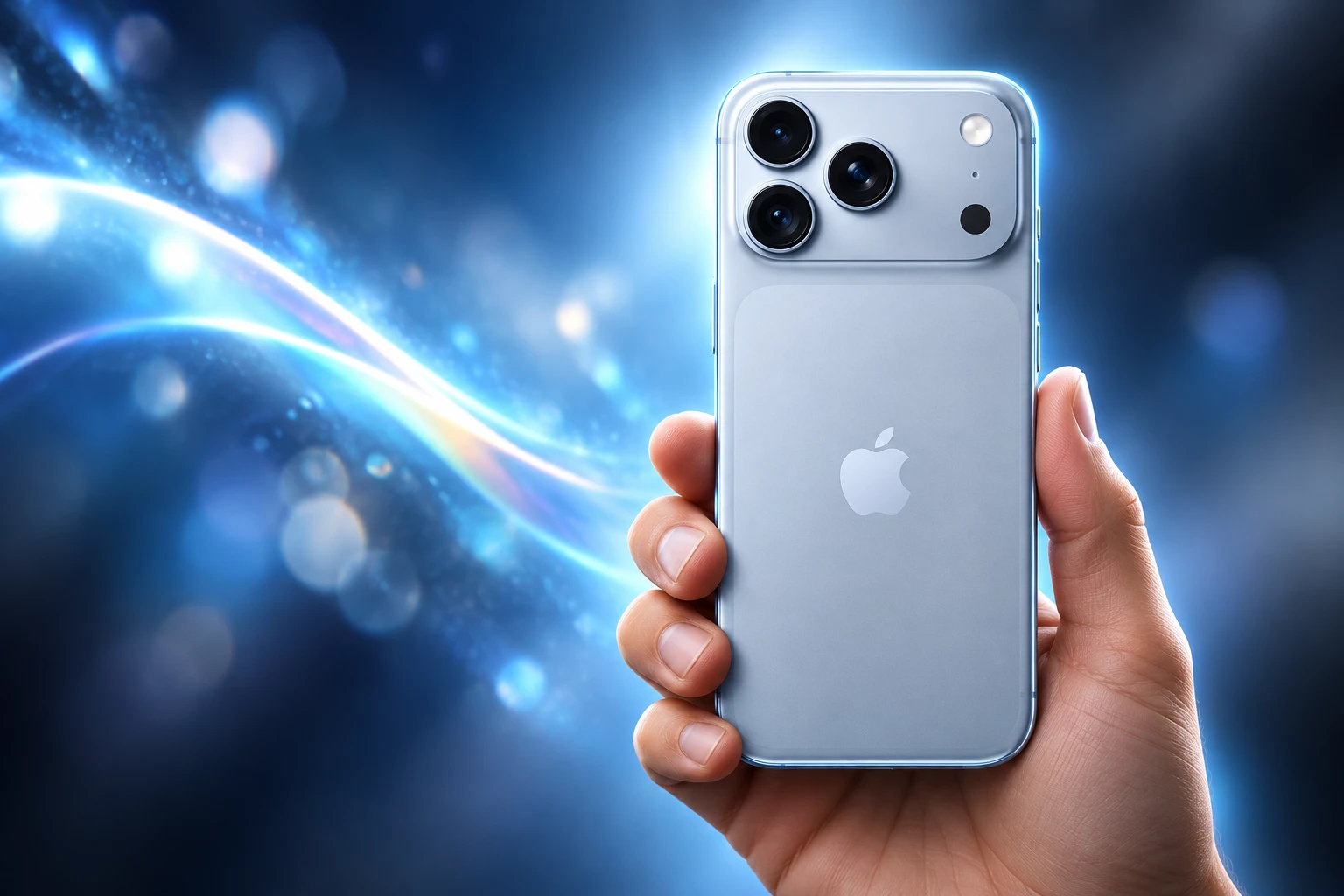
Voicemails, Safari History, and Message Photos
iOS 27 already let Siri AI draw on messages, emails, and photos. The 27.2 notes name four extra wells, and they are not the same as “photos and mail” in the abstract. They are specific corners of the phone that a lot of people never think of as Siri input.
NEW PERSONAL CONTEXT IN 27.2
- Message photos: Siri AI can use photos attached in Messages, not only the library in the Photos app.
- Calendar attendees: Event guest lists are now in scope when the assistant builds an answer.
- Voicemails: Spoken messages sitting in Phone can be drawn on for a “great answer,” in Apple’s wording.
- Safari and Reading List: History and saved pages are called out for better results, including from the paired iPhone when you ask on a Watch.
Voicemail is the sharp one. It is audio you did not file, often from other people, sitting in an app most users open only to delete. Calendar attendees are other people’s names and addresses, attached to events you accepted. Photos in Messages are images someone sent you, which may include their kids, their tickets, or their ID. Safari history is a map of what you read, including the tabs you did not mean to keep.
Apple’s September pitch already said Siri AI could find what you need across messages, emails, photos, and more. The October list is how “and more” got filled in. None of these sources require a new spoken permission at the moment you ask. They ride on the Siri AI setup you already accepted, plus whatever app-level access you have left on.
The same update brings Suggestions in Messages, which offer quick actions from a chat, such as adding a Calendar invite for a dinner. That is a cousin of the new context, not a second memory system: the thread you are in can spawn a task in Calendar or Reminders without a trip through the Siri app. You can choose which suggestion types appear.
Taken together, 27.2 is less a smarter voice and more a wider index. Recall looks backward through Siri. The new sources look sideways through Phone, Calendar, Messages, and Safari. Anyone who turned Siri AI on for drafting and world knowledge now has an assistant that can also see a voicemail, a group invite, and last week’s reading list unless they cut that path.
How Do You Stop Siri From Reading an App?
Excluded Apps is the control Apple shipped in the same notes as the wider net. It lets you choose which apps Siri, Search, and suggestions can access, all from one setting. On Apple Watch, that setting lives on the paired iPhone. Before this, cutting Siri off meant visiting each app’s own screen, which falls apart once you have dozens of apps donating data into Spotlight.
The switch is the honest part of the update. If Siri can now see voicemail, Safari, and Message attachments, a per-app fence is the only practical brake. Memory is handy only if you can stop it at the app door. A master list is how you keep a banking app, a health log, or a work chat out of answers that otherwise roam.
It does not hide what is on screen. If you invoke Siri while a private thread is visible, on-screen awareness can still act on that view. Excluded Apps limits indexed content and suggestions, not the camera of the current display. Turning Siri off entirely, or deleting on-device Siri and Dictation history in Settings, is the broader wipe Apple documents on its legal page.
Setup still runs through Settings, then Siri, then Try Siri AI (Beta). If Siri is off, you turn it on first, pick a voice, finish voice enrollment, and review privacy screens. Device language and Siri language have to match a supported pair. That path did not change in 27.2. What changed is how much of the phone sits behind the yes you already tapped.
Five Languages Arrive After an English-Only Start
On September 14, Siri AI spoke English. Apple said French, Japanese, Korean, Portuguese, and Spanish would follow the next month, and 27.2 is that drop. The assistant is now in six languages, still in beta. Four more are promised by the end of 2026: Chinese (traditional), Norwegian, Turkish, and Vietnamese.
THE SIRI AI LANGUAGE CALENDAR
| Language set | When Apple says it arrives |
|---|---|
| English | September 14, 2026, with iOS 27 |
| French, Japanese, Korean, Portuguese, Spanish | October 26, 2026, in iOS 27.2 |
| Chinese (traditional), Norwegian, Turkish, Vietnamese | By the end of 2026 |
Apple Intelligence already lists 16 languages, including German, Italian, Dutch, Danish, Swedish, and Chinese (simplified). Those six sit on the Intelligence list and not on the Siri AI list, and they have no date in the October note. A German or Italian speaker can run other Apple Intelligence features and still get the older assistant when they want the new Siri.
That split is easy to miss because the 16-language list is the one Apple prints first. Siri AI is a narrower product inside it. The October wave also skips Italian, German, and both forms of Chinese for now, with only traditional Chinese on the year-end list. Simplified Chinese remains undated, and Siri AI stays out of mainland China in the 27.2 notes.
FROM ENGLISH BETA TO 27.2
- September 14, 2026: Siri AI opens as an English beta with a Siri app that syncs chats over iCloud.
- October 26, 2026: iOS 27.2 adds recall, the extra personal sources, Excluded Apps, faster Watch replies, and five languages.
- End of 2026: Apple says Chinese (traditional), Norwegian, Turkish, and Vietnamese follow.
Forty-two days is a short wait if you speak one of the five. It is also a tell. The September launch was complete enough to ship, and incomplete enough that the next numbered build had to carry the language pack, the memory switch, and the app fence together. Owners who have been using the English beta will feel recall first. Everyone who waited on French or Spanish will feel the language gate and may not notice that voicemail is now in the index.
The Watch Gets Speed and the Phone’s Files
watchOS 27.2 is the one place Apple admits a performance problem in writing. The notes say Siri AI now provides faster responses on Apple Watch. There is no millisecond figure, no comparison chart, no claim that the wrist model got larger. Speed is the whole Watch-specific promise, which is how you know 27.0 on the wrist was slow enough to need a line in the next file.
The rest of Watch Siri AI is borrowed. Recall works. The new personal sources work, and Apple says photos in Messages, Calendar attendees, voicemails, and better Safari and Reading List results come from your phone. Excluded Apps is set on the phone too. The Watch is a mouthpiece for an index that lives in the iPhone’s Spotlight pile, which is why a Series 9, Ultra 2, or SE 3 still needs a paired Apple Intelligence iPhone with Siri AI turned on.
That architecture collides with audio features already on the wrist. Siri Recap on Apple Watch can catch speech in a room that never opted in. 27.2 then feeds the same assistant voicemails and Safari history from the paired phone. The Watch becomes a faster front end on a deeper personal archive, not a private island with its own small brain.
If you wear the Watch to leave the phone in another room, the new context still depends on that phone. Faster replies help when the pipeline works. They do not create a Watch-only memory. The restaurants Siri recommended last week are whatever the iPhone already stored.
Who Still Cannot Use Siri AI?
Siri AI in 27.2 still requires an Apple Intelligence phone, a matching supported language, and an Apple Account in an eligible region, and it remains off for the EU on iPhone, iPad, and Watch, for mainland China, and for anyone under 13. Apple says it is working with the EU to find a path, and it has not attached a date to that path. Daily caps still apply to server-side models, and Apple says expanded access will be available for a fee later.
WHO THIS BUILD STILL LEAVES OUT
- iPhone floor: All iPhone 16 models and later, plus iPhone 15 Pro and iPhone 15 Pro Max, per the 27.2 Siri AI notes.
- Age floor: Siri AI is not available for users under 13.
- Regions: Unavailable in the EU on iOS, iPadOS, and watchOS, and not available in mainland China.
- Caps: Server-side Apple Intelligence features, including Siri AI, are subject to daily usage limits, with paid expanded access later.
The hardware line is the same family Apple used in September: 15 Pro class and every 16-and-later iPhone, including the newer models that sit above that floor. iPad needs an iPad mini with A17 Pro or an iPad with M1 or later. Mac needs an M1 or later, or a MacBook Neo with A18 Pro. Any Vision Pro can run it. Watch hardware is Series 9 or later, Ultra 2 or later, and SE 3, always with that paired iPhone.
EU iPhones, iPads, and Watches are the political hole. Apple’s October note says the company is working constructively with the EU in an attempt to find a path forward. It does not say what the path is, and 27.2 does not open it. Mainland China is a separate closed door in the software notes, with no matching “path forward” sentence.
Daily limits are the commercial hole. Apple lists Siri AI among features that rely on server-side models and may hit a cap that varies by request, demand, and policy. Expanded access, it says, will be available for a fee in the future. The memory feature and the extra personal sources do not come with a published extra quota. They do sit on an assistant that can still go dark for the day if you lean on the big model too hard, then invite you to pay.
iOS 27.2 is the first 27.x feature drop for Siri AI, and it still calls the product a beta. French and Spanish speakers get in. The Siri app’s old chats become answers. Voicemail and Safari join the index, with one new list to fence apps off. The EU wait, the age floor, the China block, and the unpaid cap did not move with them.
Frequently Asked Questions
Which Devices Can Run Siri AI After iOS 27.2?
On iPhone, Apple’s 27.2 notes limit Siri AI to iPhone 15 Pro, iPhone 15 Pro Max, and all iPhone 16 models and later. iPad support is iPad mini with A17 Pro and iPad models with M1 or later. Mac support is MacBook Neo with A18 Pro and Macs with M1 or later. Any Apple Vision Pro can run it. Apple Watch needs Series 9 or later, Ultra 2 or later, or SE 3, paired with an Apple Intelligence iPhone that already has Siri AI on.
How Do You Turn On Siri AI After You Update?
Go to Settings, open Siri, and tap Try Siri AI (Beta). If Siri is off, tap Turn On Siri first, then pick a voice, finish voice enrollment, and review the privacy screens. Your device language and Siri language must be set to the same supported language, and your Apple Account must be in an eligible region. After it is on, Apple says it continues to work when you travel to other regions.
Can Siri AI on Apple Watch Work Without the iPhone?
No. watchOS 27.2 still requires a paired Apple Intelligence iPhone with Siri AI enabled, and the new personal context (voicemails, Safari history, Reading List, Message photos, Calendar attendees) is described as coming from that phone. Excluded Apps is also set on the iPhone. The Watch update’s own extra is faster replies, not a standalone index.
Is Siri AI Available for Children Under 13?
No. Apple’s availability footnotes say Siri AI is not available for users under 13, and the Siri app follows the same age line. A parent who sets up a child account does not get a junior version of recall or the new personal sources. The block is by age, not by whether a parent has Siri AI on their own phone.
How Do You Delete Siri History on the iPhone?
Apple’s Siri and Dictation legal page says you can delete transcripts stored on the device in Settings, under Siri, then Siri and Dictation History. Turning off both Siri and Dictation deletes those on-device transcripts used to personalize the experience. That wipe does not by itself change Apple’s separate rule that request history sent off the device may be kept for up to two years under a rotating random identifier.

Xiaomi 18 Pro Goes Global as Its Privacy Filter Falters

iFixit Finds HomeView Glued Shut After Repair Gains

Polymetallic Nodules Shelter 4,139 Animals Miners Want

One UI 9.5 Puts Now Brief Behind a System Agent

Framework’s $99 Keyboard Brings Laptop Repair to the Couch

Microsoft 365 Auth Fault Took Down Exchange and Teams

OpenClaw 2.0 Ships a Team Workplace With Host-Trust Defaults

Xbox Caps Game Pass Cloud Gaming at 15 Hours

OpenAI Unveils GPT-6 Astra With a Critical Cyber Label

Squishy Dumpling Toys Recalled After Hiding Illegal Water Beads
-
 NEWS3 months ago
Microsoft 365 Auth Fault Took Down Exchange and Teams
-
 NEWS3 months ago
OpenClaw 2.0 Ships a Team Workplace With Host-Trust Defaults
-
 GAMING3 months ago
Xbox Caps Game Pass Cloud Gaming at 15 Hours
-
 NEWS3 months ago
OpenAI Unveils GPT-6 Astra With a Critical Cyber Label
-
 LIFESTYLE3 months ago
Squishy Dumpling Toys Recalled After Hiding Illegal Water Beads
-

 BUSINESS3 months ago
Diesel Breaks Its Record as the White House Claims Credit
-

 NEWS3 months ago
IFA 2026’s Weird Gadgets Are Building a Sensor Home
-

 BUSINESS3 months ago
ChargePoint Stock Rally Prices Wilmer’s Three-Year Cash Plan